Retail security cameras and video analytics for stores and chains
In retail, cameras earn their money after the fact. A disputed refund, a missing pallet, a slip-and-fall claim: what counts is how fast you find the right ten seconds and who is allowed to see them. Here is how we set up retail security cameras and video analytics with Nx Witness, for one store or a whole chain.
- One store or a whole chain
- Find footage in minutes
- Mixed camera brands
Short answer
What do retail security cameras need to do?
Cover the till, the entrances, the stockroom and the delivery door, and make it quick to find an incident afterwards. For a chain, add one more: every store manager sees their own store, head office sees all of them, and nobody keeps using the login of someone who left.
Most of the value isn’t in watching live. It is in the moment a store manager asks “what happened at till 3 at 14:32?” and gets an answer in two minutes instead of an afternoon of scrolling.
Finding footage
How do you find an incident quickly?
Search in an area
Draw a box around the till or the shelf and Nx Witness shows only the moments something moved there.
Bookmarks
Staff mark a moment as it happens, so it is easy to find and doesn’t get overwritten.
Export with a watermark
A clip for the police or the insurer, with a watermark that shows if it was altered afterwards.
All stores, one search
Head office looks across stores without logging into each recorder.
Analytics
What can retail video analytics do, and what not?
Analytics turn video into events: a person in a zone after closing, a vehicle at the delivery door, a crowd at the entrance. With Nx Witness they come from the camera itself or from a plug-in on the server, and they become searchable and usable in rules.
Two honest notes. People counting and footfall statistics depend on the camera or plug-in you choose; they are not a standard feature of the software. And linking the till to the video is possible, but not off the shelf: we connect the point-of-sale events to Nx Witness through a generic integration, so a refund or a ‘no sale’ becomes a bookmark you can click. We test that per till system before you rely on it.
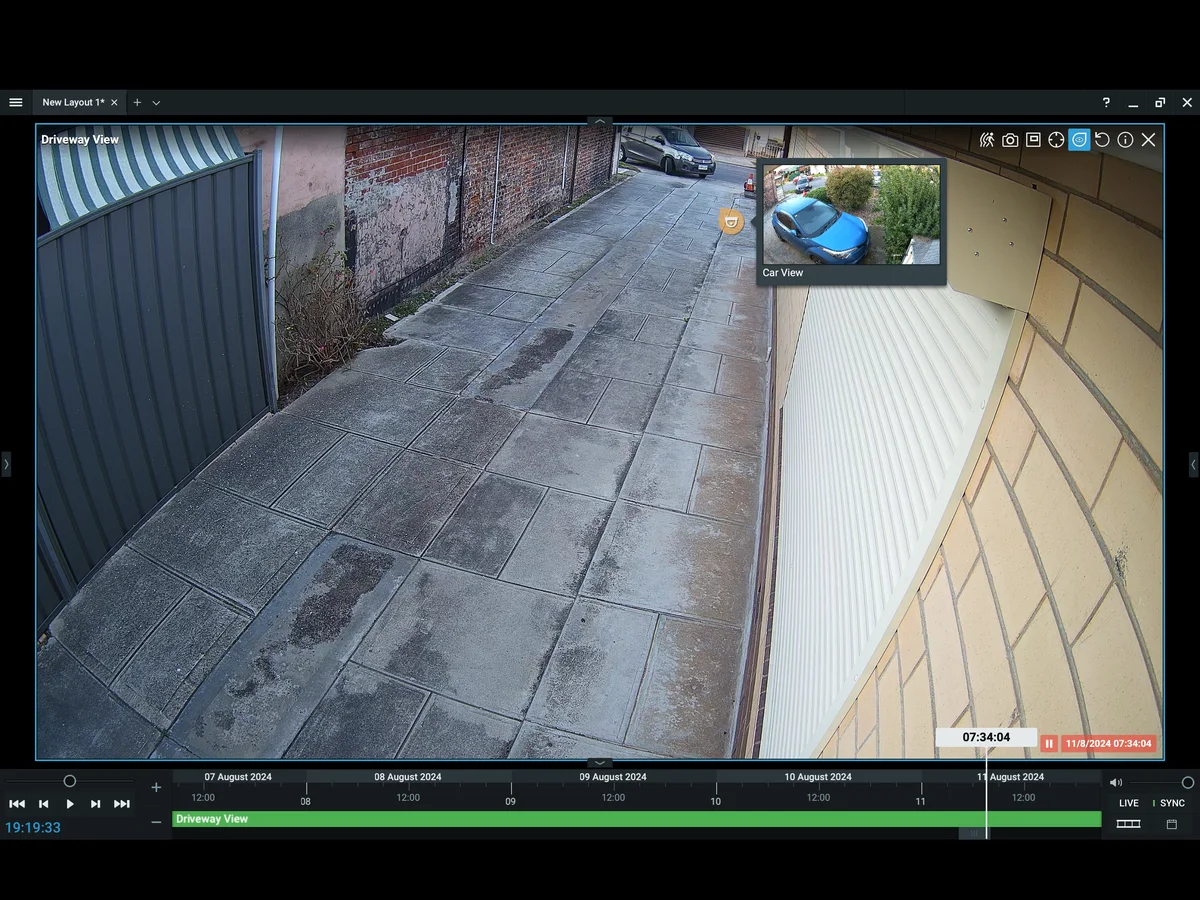
Image: Network Optix, maker of Nx Witness.
Chains
How do you manage cameras across many stores?
A chain with twenty stores often has twenty recorders, twenty logins and twenty ways of doing it. With Nx Witness each store gets its own server that keeps recording if the connection drops, and users and permissions are managed centrally, through your Active Directory or Nx Witness Enterprise. A store manager sees their own store, the regional manager their region, loss prevention all stores. When someone leaves, their access goes in one action.
Existing cameras can often stay; we check them first and replace selectively. Licences are per camera, not per store. How central access works in general is on access management for cameras, alarms and intercoms.
Privacy
What about staff and customer privacy?
Cameras in a store film customers and staff, so the GDPR applies. You need a clear purpose, signs at the entrance, a defined retention period and control over who sees the footage. Cameras aimed mainly at staff need extra care, and in many countries the works council or employee representatives have a say. We set the system up so it can do what your policy decides, and the audit trail shows who viewed what.
Questions about retail security cameras
Can Nx Witness link to our till system?
Not out of the box. Till events can be sent to Nx Witness through a generic integration, so they appear as events and bookmarks next to the video. Whether that works smoothly depends on your till system, so we test it first.
Can we count visitors with our cameras?
That depends on the cameras or the analytics plug-in. Some cameras count in the camera itself and send the result along. We check what your cameras can do before suggesting anything new.
How long should a store keep footage?
No longer than your purpose requires. Many stores keep a few weeks and keep the footage of a specific incident until it is dealt with. Document the period and the reason.
Do you work outside the Netherlands?
We supply licences and servers across Europe and set up and support systems remotely. Installation we do ourselves in the Netherlands and the immediate border region.
Cameras for one store or a whole chain?
Tell us how many stores and cameras you have and what you want to find faster. You get an honest proposal, including what your current cameras can still do.

A quick word
Questions about your situation? Call Marc.
Has worked in security since 1999. On large migrations he is there himself on day one. Describe your situation and you will hear straight away what we would do, with no obligation.
Marc Herdes · Co-founder and security specialist