CCTV storage calculator: terabytes, bandwidth and servers
How much storage does a CCTV system need, how much bandwidth, and how many servers? Enter your cameras below and you get an estimate straight away: terabytes, data rate and servers. It is the same calculation we use for our own quotes.
Each camera is one recording channel, and so one licence. Encoder channels count too.
Mixed types? Choose the heaviest to stay on the safe side.
For recognition 12 to 15 is almost always enough. Higher costs storage straight away and rarely adds evidence.
H.265 roughly halves the data rate. Not sure? Choose H.264.
Motion-only saves a lot, but in a busy area the difference is small.
Keep footage no longer than necessary. Under the GDPR there is no fixed period for businesses; after an incident you keep the relevant footage until it is dealt with.
- Total data rate0 Mbit/s
- Per day0 GB
- Licences0
- Retention0 days
This is a planning estimate, not a promise. We use our rule of thumb from practice: about 0.5 TB per 4-megapixel camera for 14 days, recording continuously with H.265. We round up, because busy scenes produce more data. Before ordering disks we measure the real data rate of your cameras.
Short answer
How much storage does CCTV need?
As a rule of thumb, about 0.5 TB per 4-megapixel camera for 14 days of continuous recording with H.265. Thirty days for sixteen of those cameras comes to roughly 18 TB. Motion-only recording, a lower frame rate or a quiet scene can bring that down a lot.
The calculator above works the same way: it estimates the data rate per camera from resolution, compression, frame rate and recording mode, multiplies by the number of cameras, and turns that into terabytes for the number of days you want to keep.
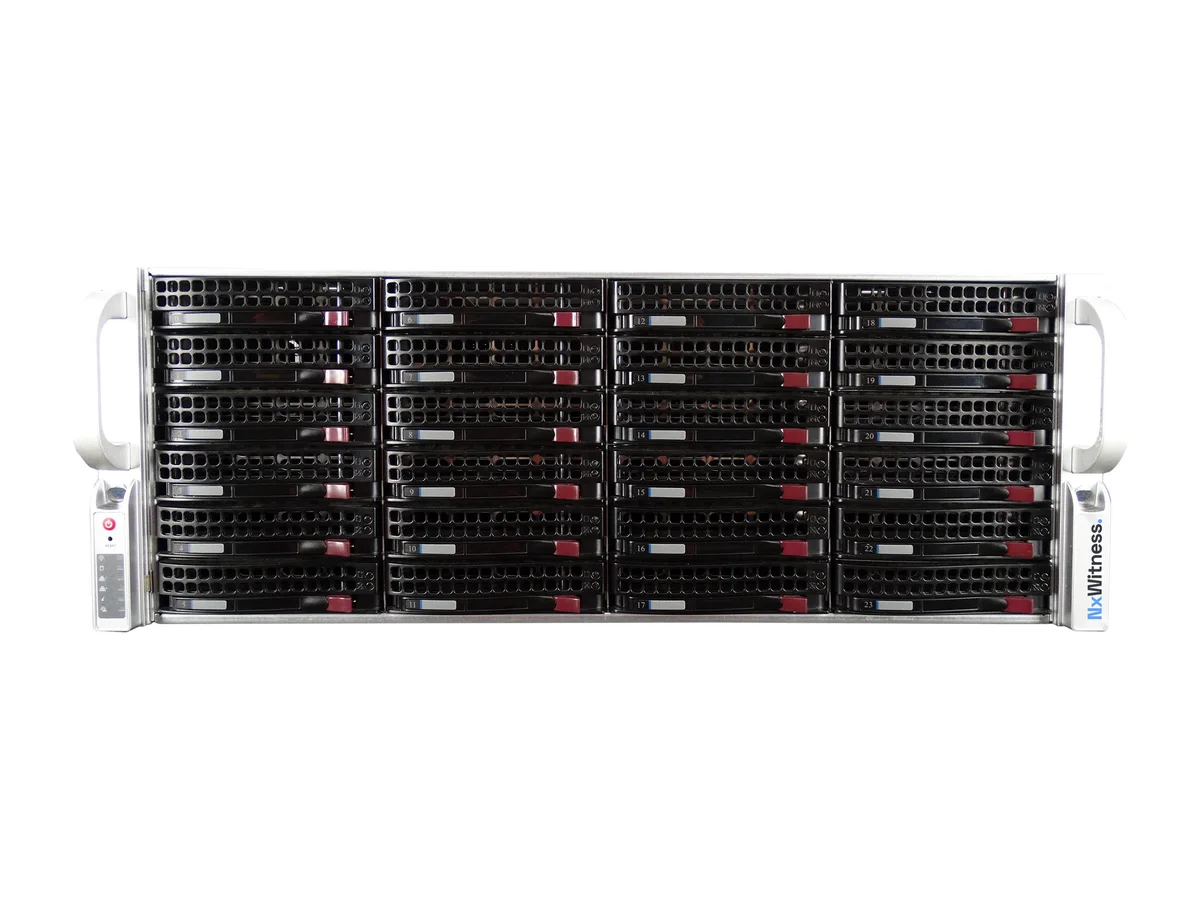
Example image of an Nx server.
What drives it
What affects CCTV storage?
Resolution
An 8-megapixel camera produces far more data than a 2-megapixel one. Choose what the scene needs, not the maximum.
Compression
H.265 needs roughly half the storage of H.264 for the same image.
Frame rate
12 to 15 frames per second is enough for most security work. Going to 25 or 30 costs storage and rarely adds evidence.
Recording mode
Continuous, on a schedule, or on motion only. Motion-only saves most, except in busy areas.
The scene itself
A busy road or rustling trees produce more data than a quiet corridor with the same settings.
Retention
Every extra day adds a day of data. Keep footage no longer than you need it.
Servers and bandwidth
How many servers and how much bandwidth do you need?
With Nx Witness, one server handles up to 256 cameras, but the real limit is usually disk throughput and the number of people playing back footage at the same time. The calculator adds a server for every 256 cameras or every 500 Mbit/s of incoming video, whichever comes first.
The total data rate is also what your network has to carry from the cameras to the server. Remote viewing uses much less, because the apps can use a lighter stream. Licences are per camera, not per server, so an extra server needs no extra licence. More on Nx Witness servers and licences.
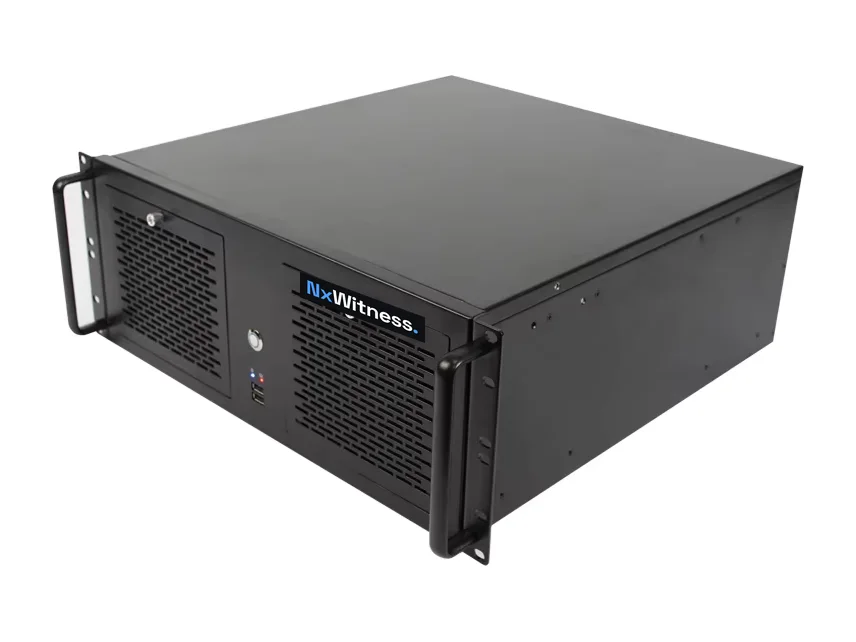
Example image of an Nx server.
Questions about CCTV storage
How much storage does one camera need per day?
A 4-megapixel camera recording continuously with H.265 at 15 frames per second produces roughly 35 to 40 GB a day in our rule of thumb. Motion-only can be a fraction of that, a busy scene more.
What happens when the disk is full?
The system overwrites the oldest footage. Nothing stops, but your retention quietly gets shorter. That is why we measure the real retention after installation, not just what the calculation said.
Is this calculation accurate enough to order disks?
It is a planning estimate. Before ordering we measure the real data rate of your cameras over a period, because the scene makes a big difference. If it differs, you hear it before you buy.
How long should I keep CCTV footage?
No longer than your purpose requires. Under the GDPR there is no fixed period for businesses. Many choose a few weeks, and keep footage of a specific incident until it is dealt with.

A quick word
Questions about your situation? Call Koen.
Takes the time, draws it out, and does not steer towards a number. I do not sell, I advise. Describe your situation and you will hear straight away what we would do, with no obligation.
Koen · Senior adviser